
Infographics
Make the selling points impossible to miss
On-screen callouts put a home's key selling points right where viewers are looking, so even a quick scroll catches what makes the property worth a second look.
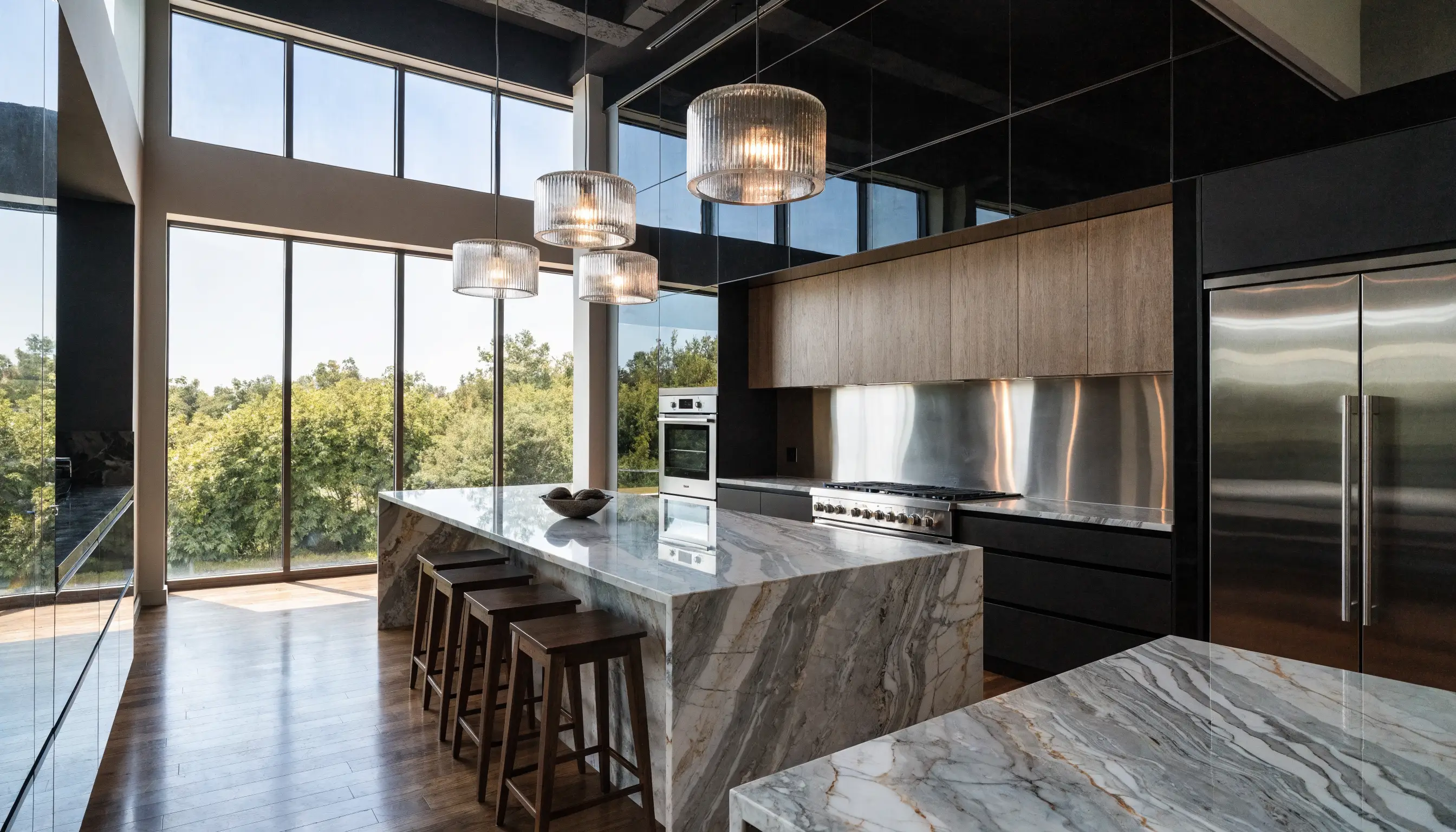
What it does
Names the details a slideshow leaves unsaid
Infographics add clean property callouts and feature overlays to your listing video, labeling square footage, upgrades, lot size, and standout amenities right as they appear. That gives quick-scrolling social viewers the context a silent set of photos leaves out, so nothing worth seeing slips past unnoticed.
Why agents use it
Callouts that work where buyers are watching
An overlay only helps if it's clear, accurate, and easy to read on the device buyers actually use. Here's what every callout is built to do.
Feature callouts on screen
Clean overlays name what matters right as the viewer sees it: square footage, a chef's kitchen, a primary suite.
Readable on a phone
Type size, contrast, and placement are built for mobile, so the details land on a small screen mid-scroll.
Highlight standout value
Acreage, a fresh renovation, a rare amenity: graphics give your best selling points a moment in the spotlight.
Checked for accuracy
A professional editor quality-checks every callout against what you provide, so the numbers and labels match the listing.
In the frame
A detail, named the moment it's on screen
A callout works best when it lands exactly as the viewer sees the feature, so the label and the visual reinforce each other instead of competing for attention.

Where it helps most
Listings where the details do the selling
Some homes have selling points photos alone can't make obvious. Callouts give those details a clear moment on screen.
Acreage & lot details
Call out lot size, frontage, or acreage on land-heavy listings where photos alone don't show the scope.
Upgrades & finishes
Label recent renovations and premium finishes as each room comes on screen.
Price reductions
Flag a price change on screen so refreshed pricing is easy to catch in a quick scroll.
Unique amenities
Name the features that set a home apart, from a casita to a wine cellar to a private dock.
Why it works
A more complete story in less time
A standard slideshow shows a home but leaves the viewer to guess at the details. On-screen callouts close that gap. They surface features a plain slideshow can miss and give agents more polished content to share on social and in seller presentations.
- Surfaces selling points a silent slideshow leaves unspoken
- Keeps key numbers readable for fast, sound-off social viewers
- Gives standout listings a way to highlight what sets them apart
- Adds polished, presentation-ready content with no extra shoot
Related features
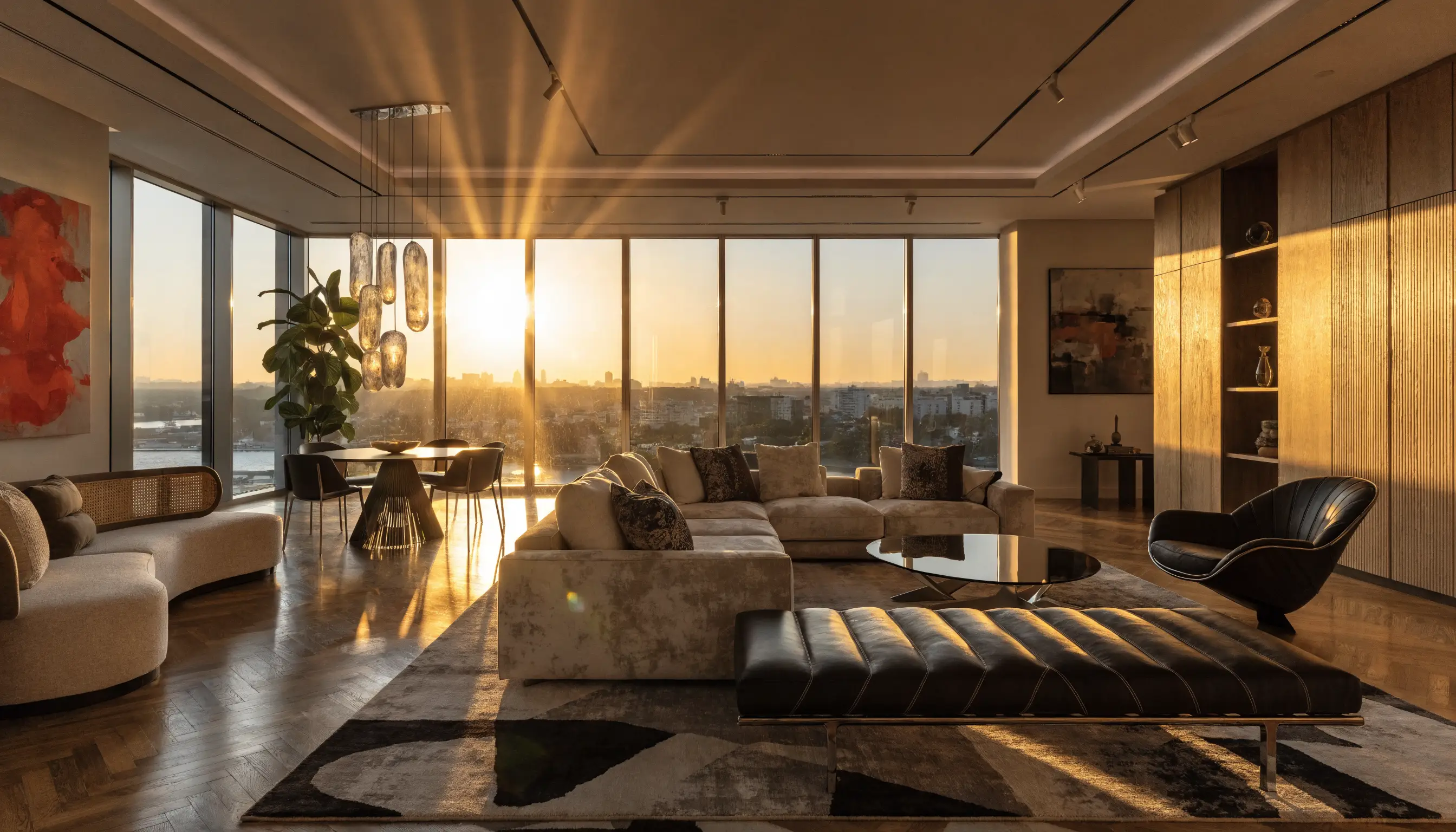
Feature
Vertical optimization
Reframe wide footage into 9:16 and 4:5 cuts built for Reels, TikTok, and Stories.
Learn more
Feature
Agent branding
Add your name, logo, and contact details so every video reinforces your marketing.
Learn more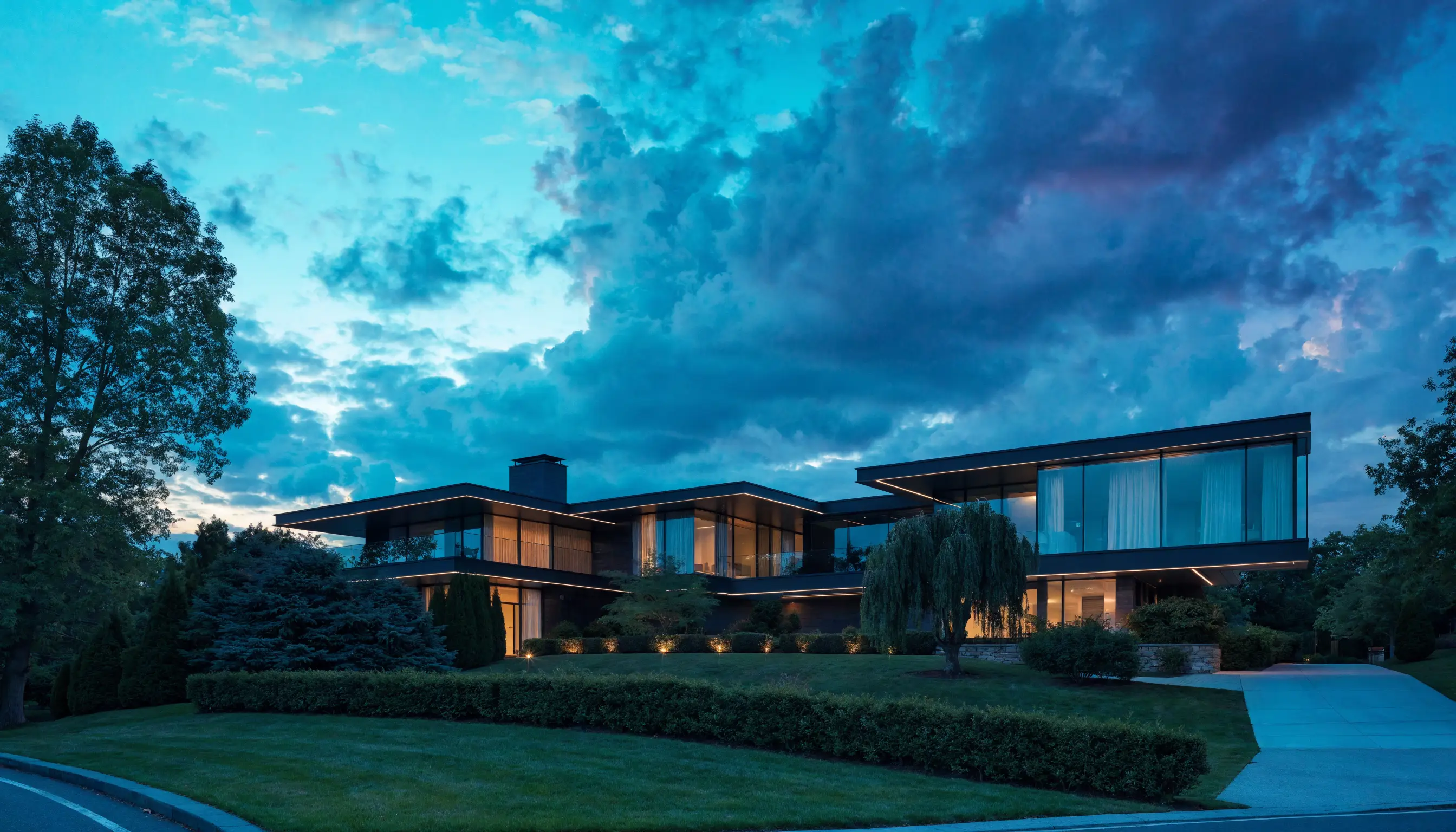
Feature
Virtual staging
Furniture, lifestyle, timelapse, and detail shots that add depth to a listing video.
Learn moreFAQ
Infographic questions, answered
What kind of callouts can you add?+
Property feature overlays: square footage, bedroom and bathroom counts, lot or acreage details, recent upgrades, and standout amenities. We design them to match your video and place them where they reinforce what's on screen, so a quick scroll still catches the selling points.
Where do the details come from?+
From you. You tell us the features and numbers to highlight when you place the order, and our editors turn them into clean on-screen graphics. We don't invent details. Every callout reflects the information you provide for the listing.
Are the callouts checked before delivery?+
Yes. A professional editor quality-checks each graphic against the details you submitted before your video ships, so the labels and numbers are accurate and easy to read on a phone. Every order gets that check, not just this add-on.
Will the graphics look like they belong in my video?+
That's the goal. We style the callouts to sit naturally over your footage, readable but not cluttered, so they feel like part of a polished listing video rather than a sticker dropped on top. Add agent branding and the overlays are designed to match it.
Do callouts work on vertical social cuts too?+
Yes. We place and size the graphics to stay readable in vertical formats like Reels, TikTok, and Stories, where viewers scroll fast on a small screen. Pair this with vertical optimization for callouts that hold up in a 9:16 frame.
Ready when you are
Put the selling points on screen
Add property callouts and feature overlays to a listing video so a home's key selling points are easy to catch in a quick scroll. A professional editor quality-checks every overlay for accuracy.